Enrolment
User enrolment configures the authentication factors assigned to a user. Each factor can be set to one of the enabled authentication types under Setup > Security > Authentication Types. If a Secondary Factor is enabled, the authentication sequence is comprised of two parts:
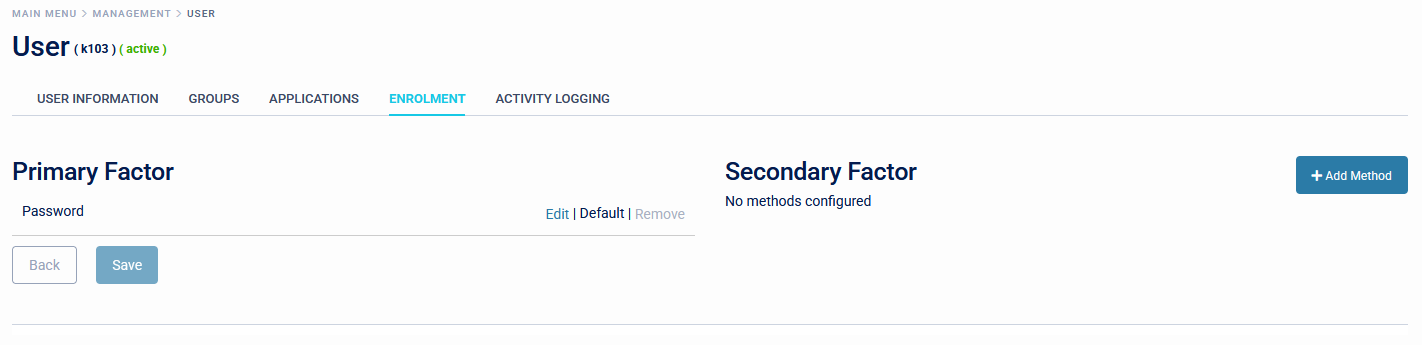
Primary Factor which can be one of the following:
- Password
- Static Code
- PUSH /Soft Token
- Hardware Token
- YubiKey
- Fido Token
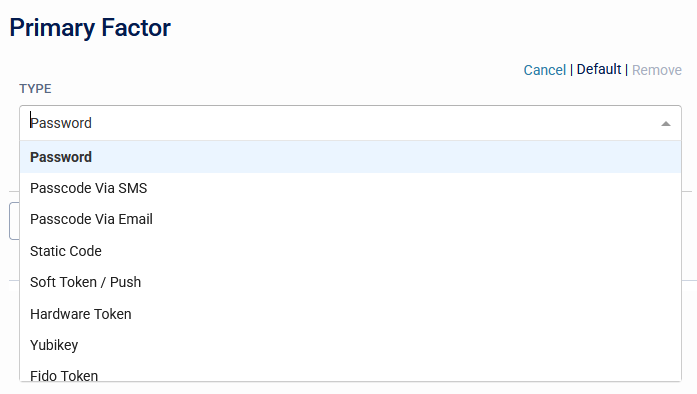
Secondary Factor which can be any of the following:
- Password
- Static Code
- PUSH /Soft Token
- Hardware Token
- YubiKey
- Fido Token
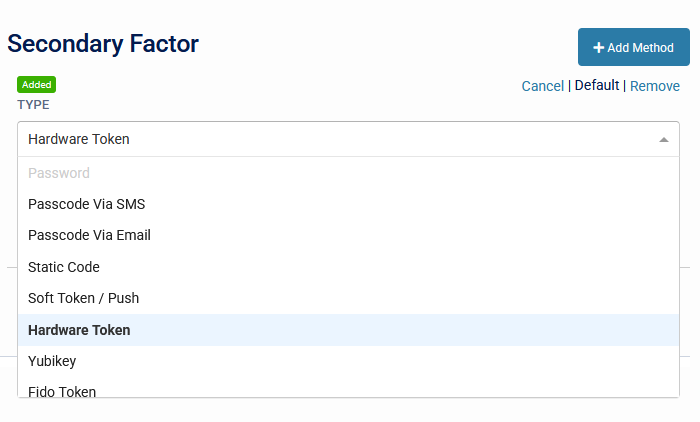
Additionally, it is possible to allow multiple authentication types to be enabled for both First and Second Factors. When this is configured the system will automatically attempt to use whichever authentication type is marked as 'Default', and the user will be able to select a different authentication type when signing in.
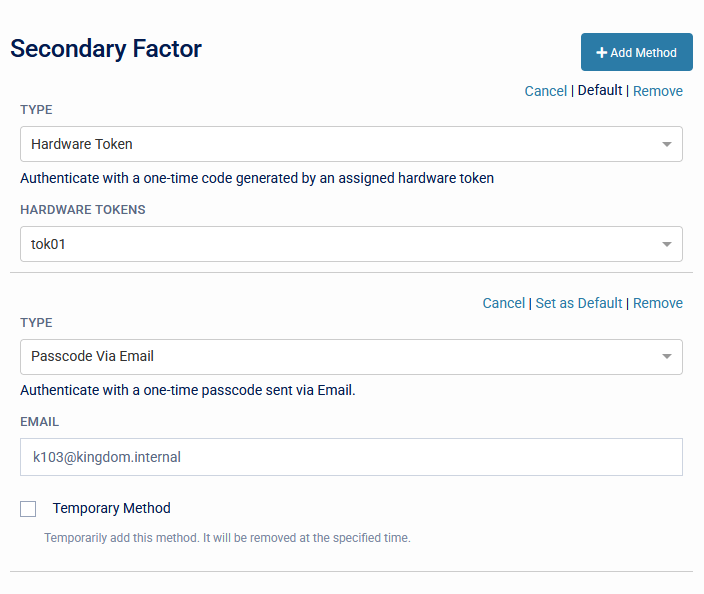
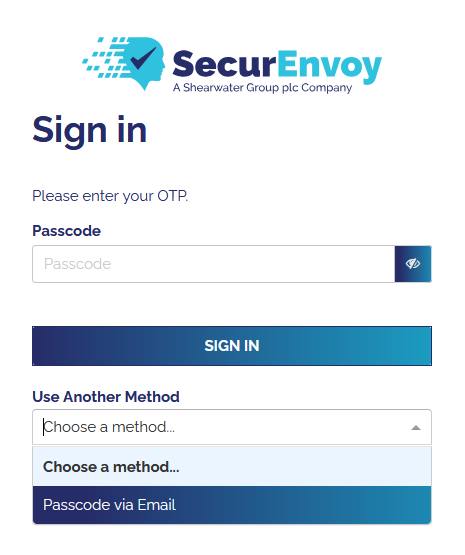
It is not possible to set the same authentication method for both authentication factors.
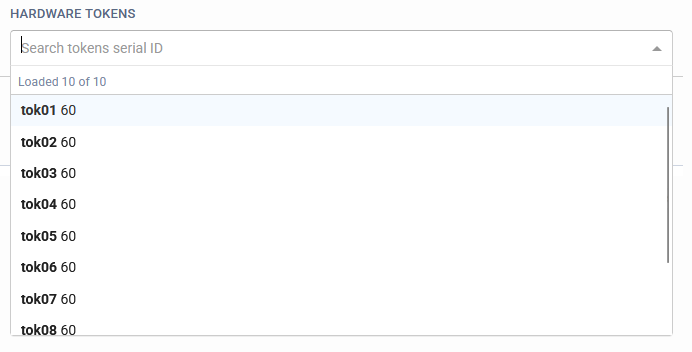
If a hardware token is configured, a hardware token can be assigned to the user, alternatively if a user has been provisioned with a Soft Token, they can complete the enrol process via the WebUI.
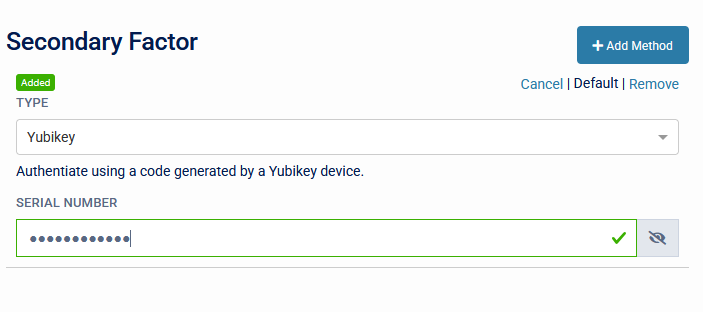
If a YubiKey is configured, this can be pre-assigned to the user. Simply insert the key into a USB port, select the serial number input field and then depress the key. This will populate the information required. alternatively if a user has been provisioned with a YubiKey, they can complete the enrol process via the WebUI.
When selecting PassCode, the available methods for delivering passcodes are SMS or Email.
If Push / Soft Token is selected, the user will receive an enrolment email, with instructions on how to obtain the soft token and enrol via the user portal.