Groups
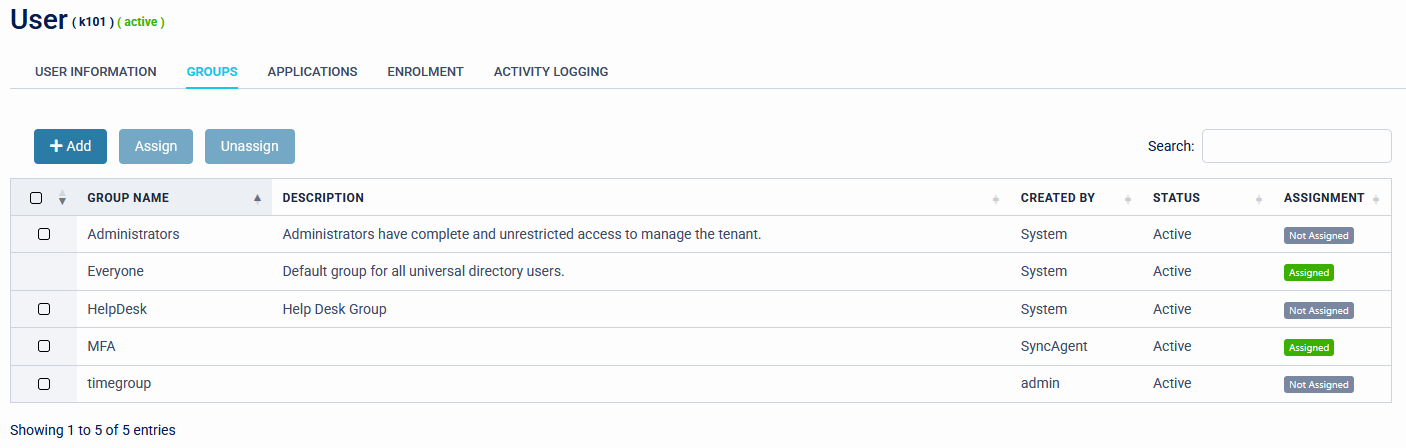
Within user details the next menu item is Groups. This will show all groups configured in SecurEnvoy Access Management, groups the user is a member of will show as 'Assigned'.
Warning
If you synchronise user group data from an external directory, take care and understand where the source of truth is referenced from. As you may inadvertently overwrite data in Microsoft Active Directory, LDAP, Microsoft EntraID or Google Directory.
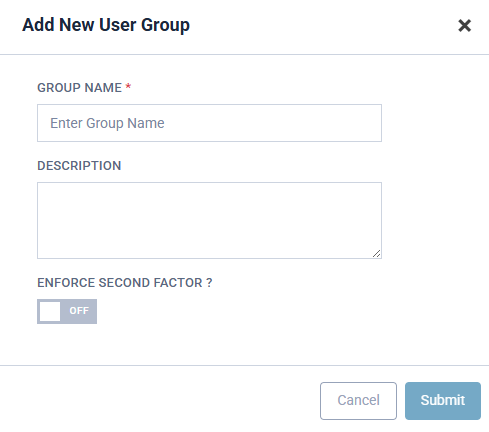
If you require to create a new group this can be completed by clicking the ADD button. Provide a Group Name, description and select whether this group should have MFA enforced.
Hint
When creating or editing a group from the Management Group Menu, additional parameters can be applied, namely assigning an application to a group.