Configured Policies
Overview
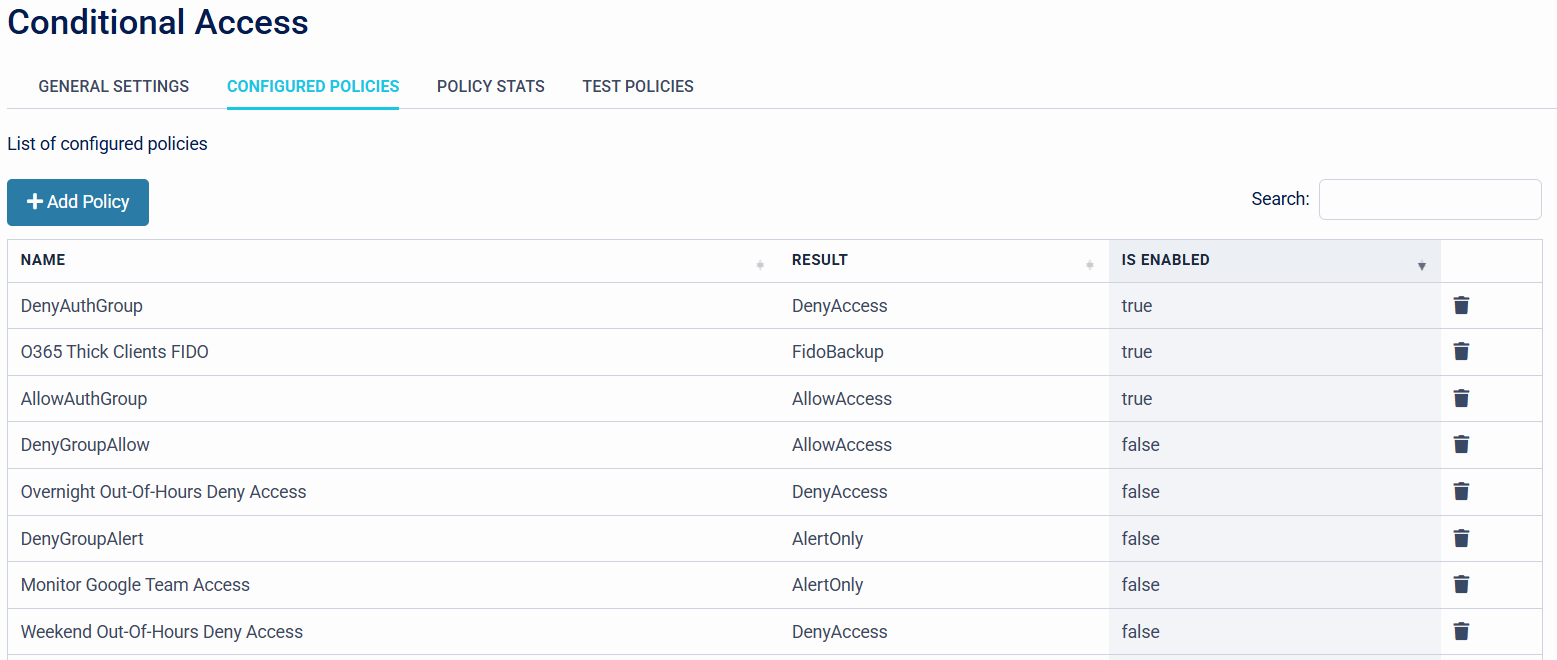
The Configured Policies Tab is the central hub for all tenant configured policies that have been set up in the Conditional Access Policy Engine. Organisations can view the Friendly Name of the policies, the Result of the Policies, and the Status of the policy (Enabled / Disabled).
Add Policy
This is where Organisations can create bespoke Conditional Access Policies.
- Policy Name - Organisations can set a friendly name for each Conditional Access Policy.

- Enable/Disable - Organisations can enable or disable the Conditional Access Policy.

- Policy Result - Organisations can set the Result of the Conditional Access Policy.

- Alerting - Organisations can set up alerts when the Conditional Access Policy has been triggered.

- Application - Organisations can configure which elements of the SecurEnvoy Access Management Platform the Conditional Access Policy should apply to.

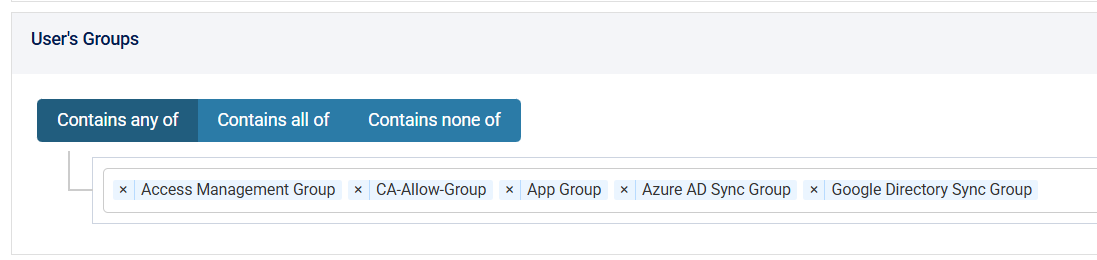
- User's Groups - Organisations can set up what User Groups should be triggered with the Conditional Access Policy.
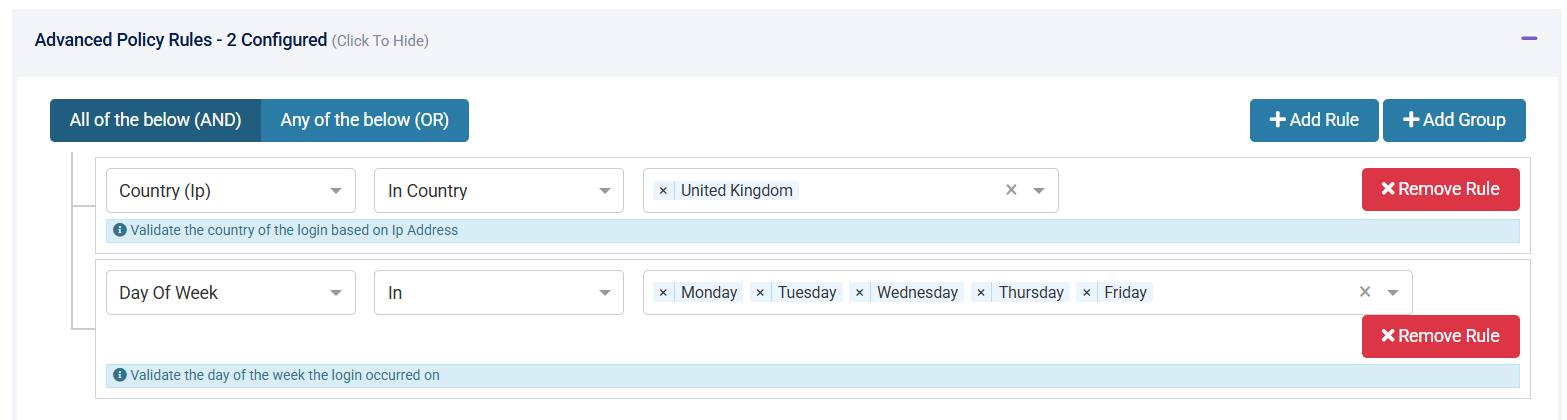
- Advanced Policy Rules - Organisations can set up Advanced Policies based on Connection, Time, Impossible Travel, User, or User Agent Specific Attributes.