Applications
Application Management
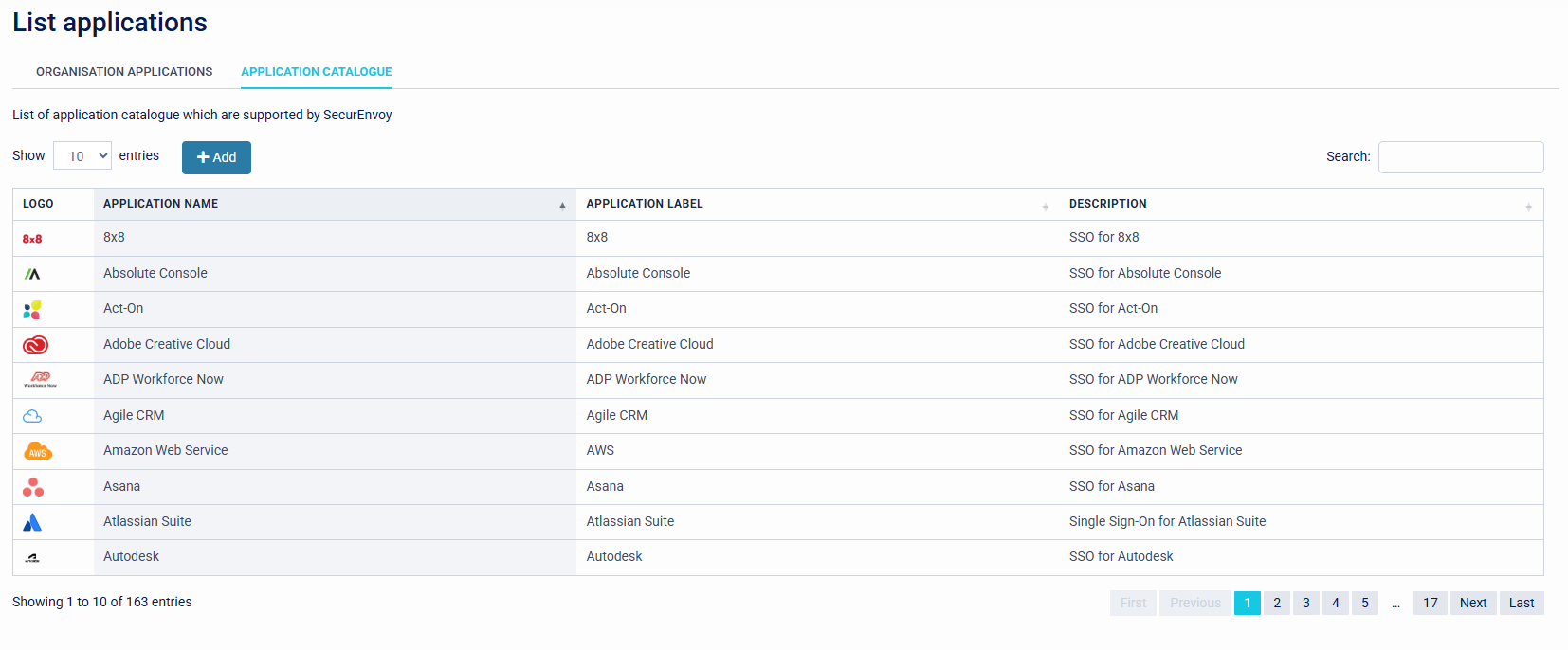
The list applications menu provides details about Cloud applications, this is shown across two menus: Organisation Applications, and Application Catalogue.
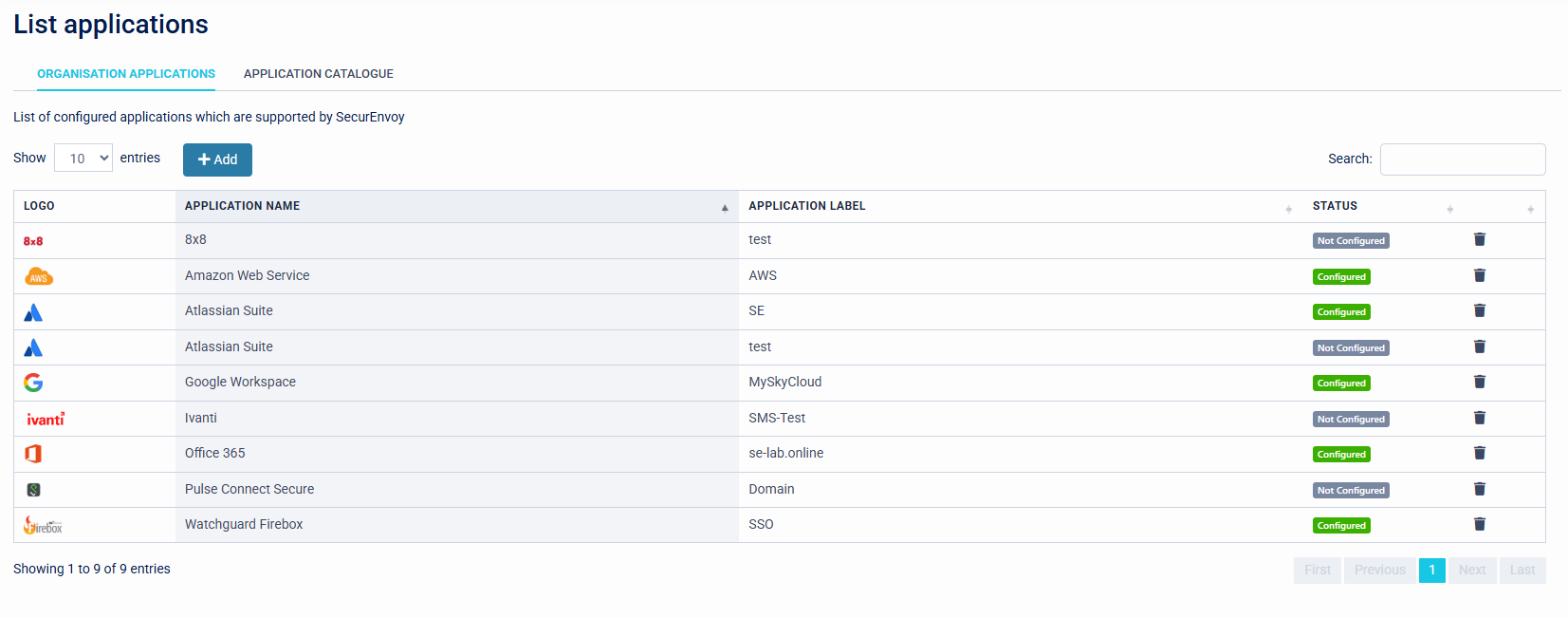
The Organisation Applications displays configured applications within the system with an application label and its status.
The Application Catalogue displays applications that are pre-built and are available to configure. Only minimal configuration is required in order to use these applications.
If an application is already configured its settings can be checked or updated by clicking upon it.
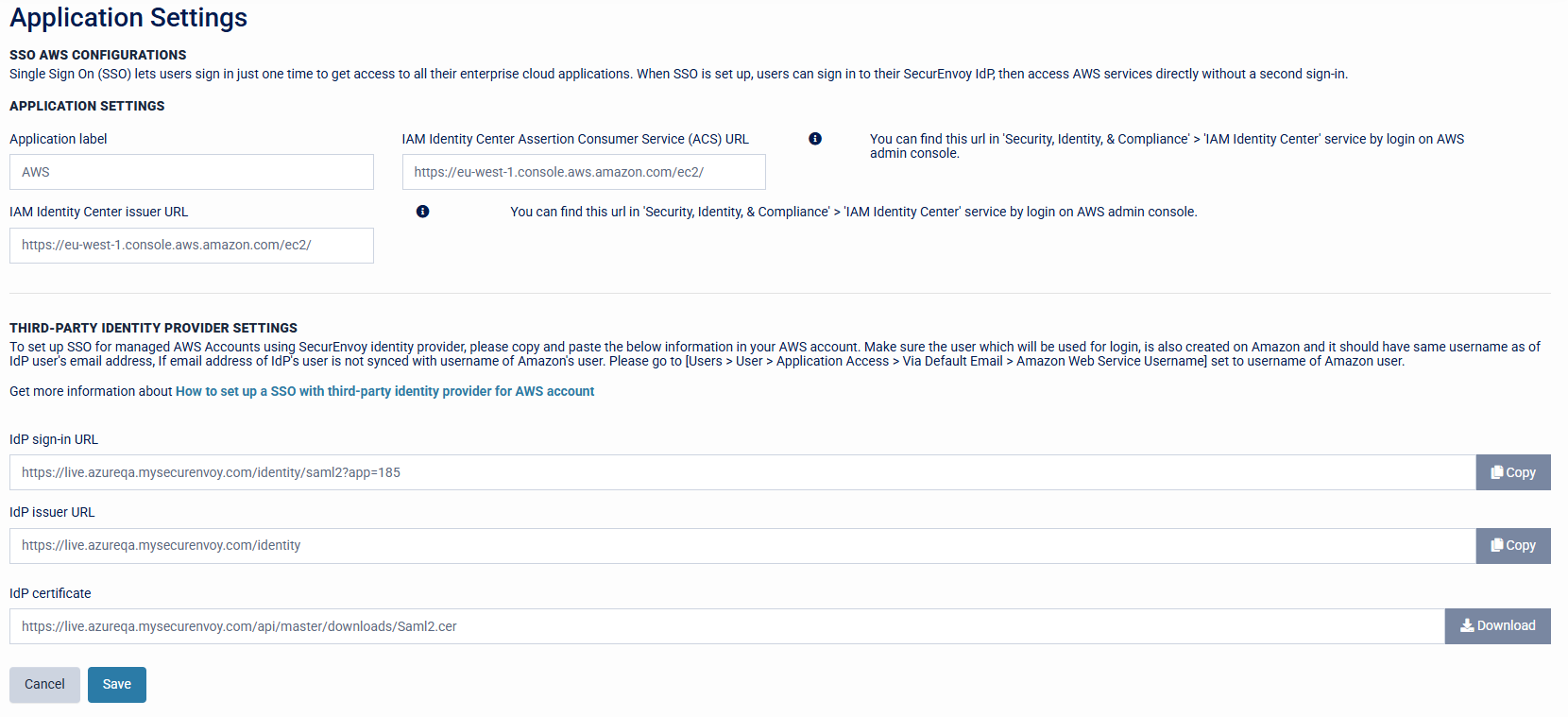
Configuration for the application in SecurEnvoy is displayed at the top of the page. Settings to be configured in the third party application are displayed at the bottom of the page.
If an application is not configured, click upon the application. This will now navigate to the Application Settings page.
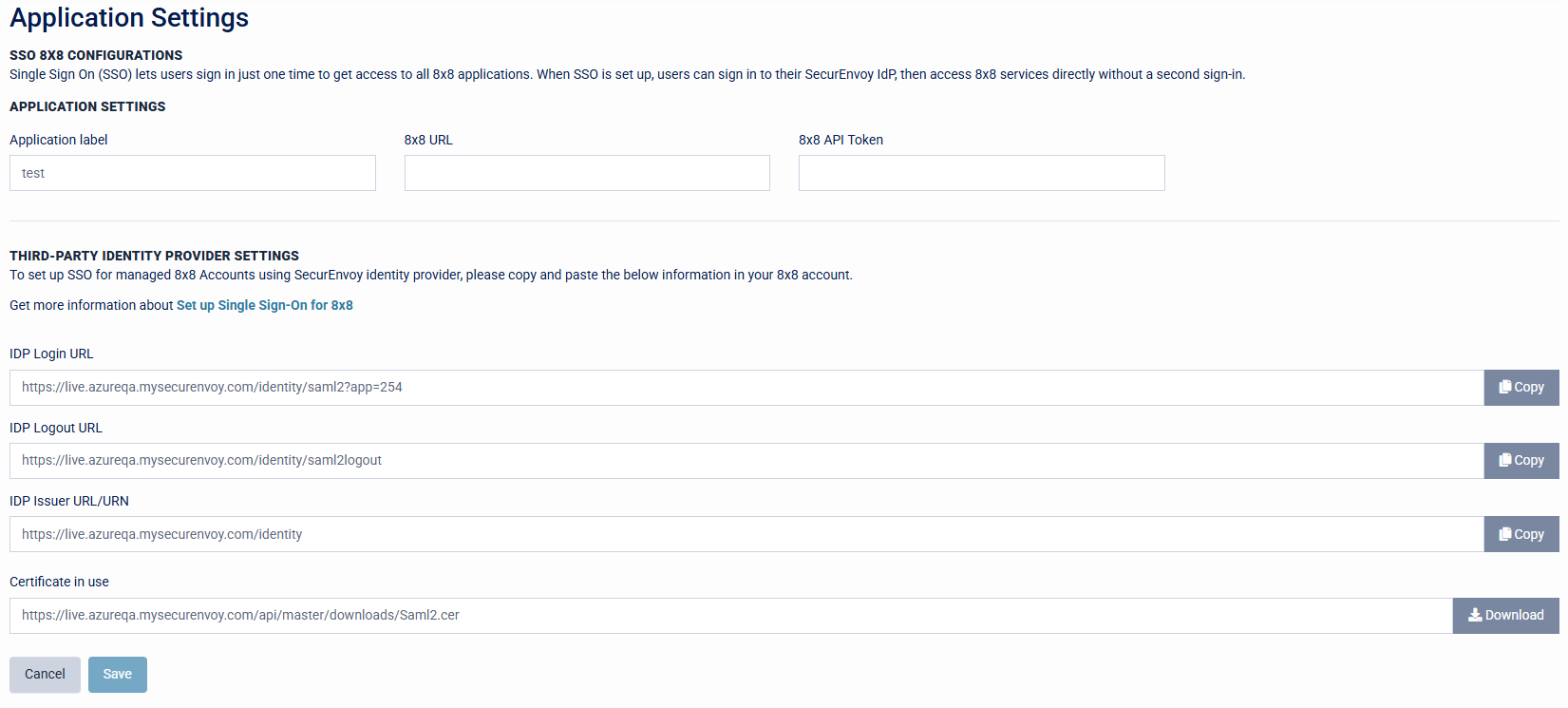
The application provider will provide these details so that they application can be configured for SSO with SecurEnvoy Access Management.
Add Application
The list applications menu will provide details about Cloud applications, this is shown across two menus: Organisation application and Application catalogue. Both of these pages has an option to ADD additional Cloud applications.
Once ADD is selected, you are navigated to the "add new application" utility.
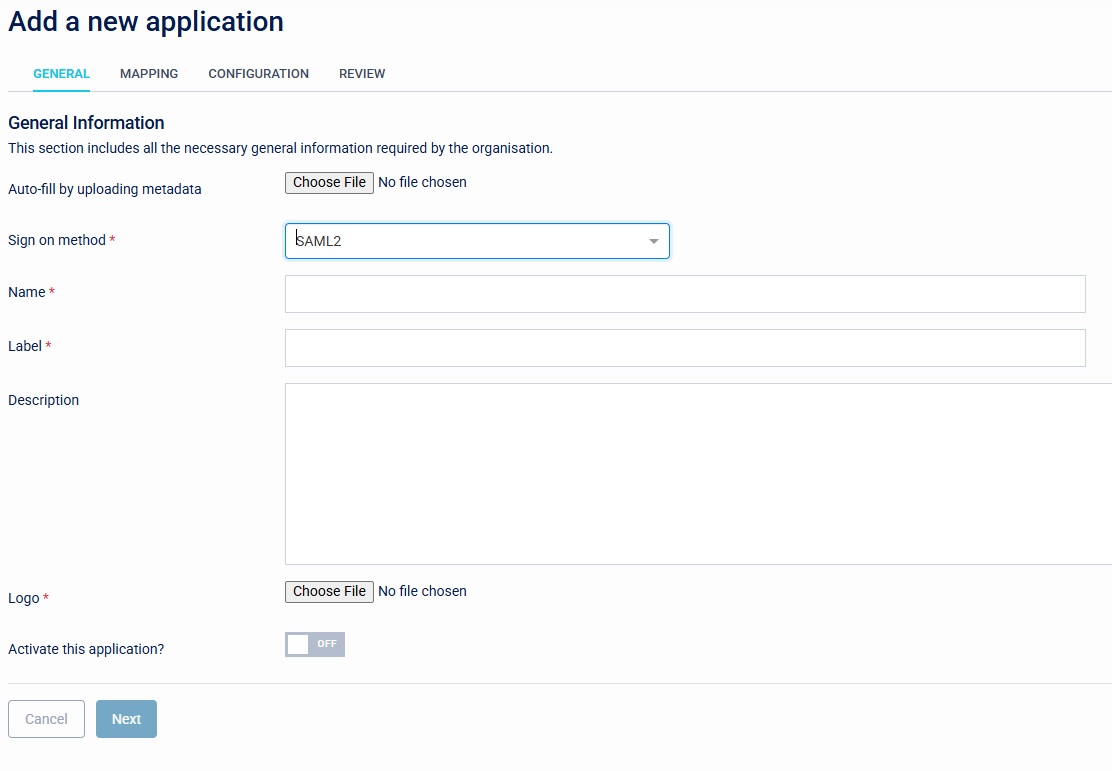
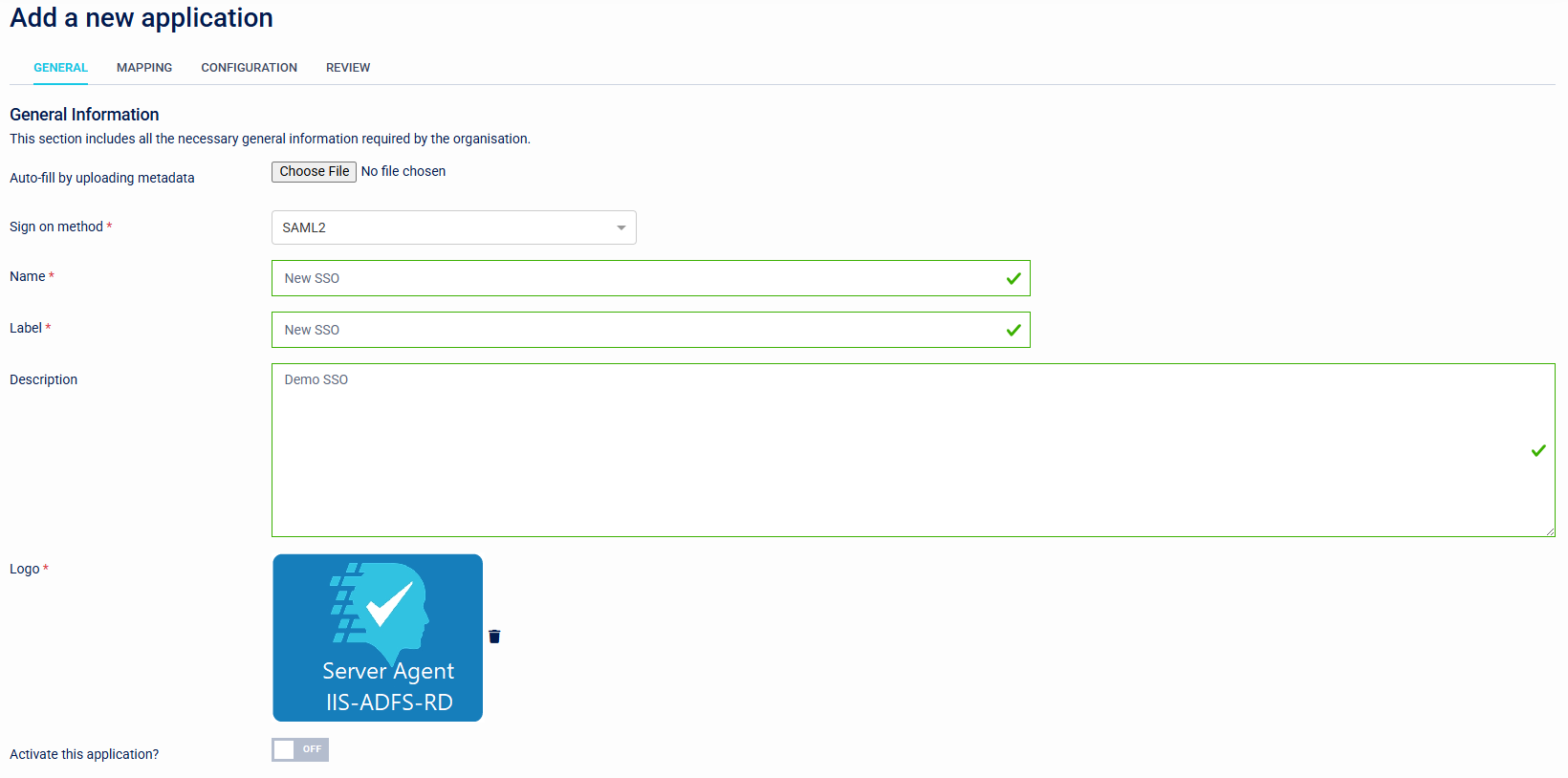
On the General Settings tab, populate details and then click next.
Only SAML applications are supported.
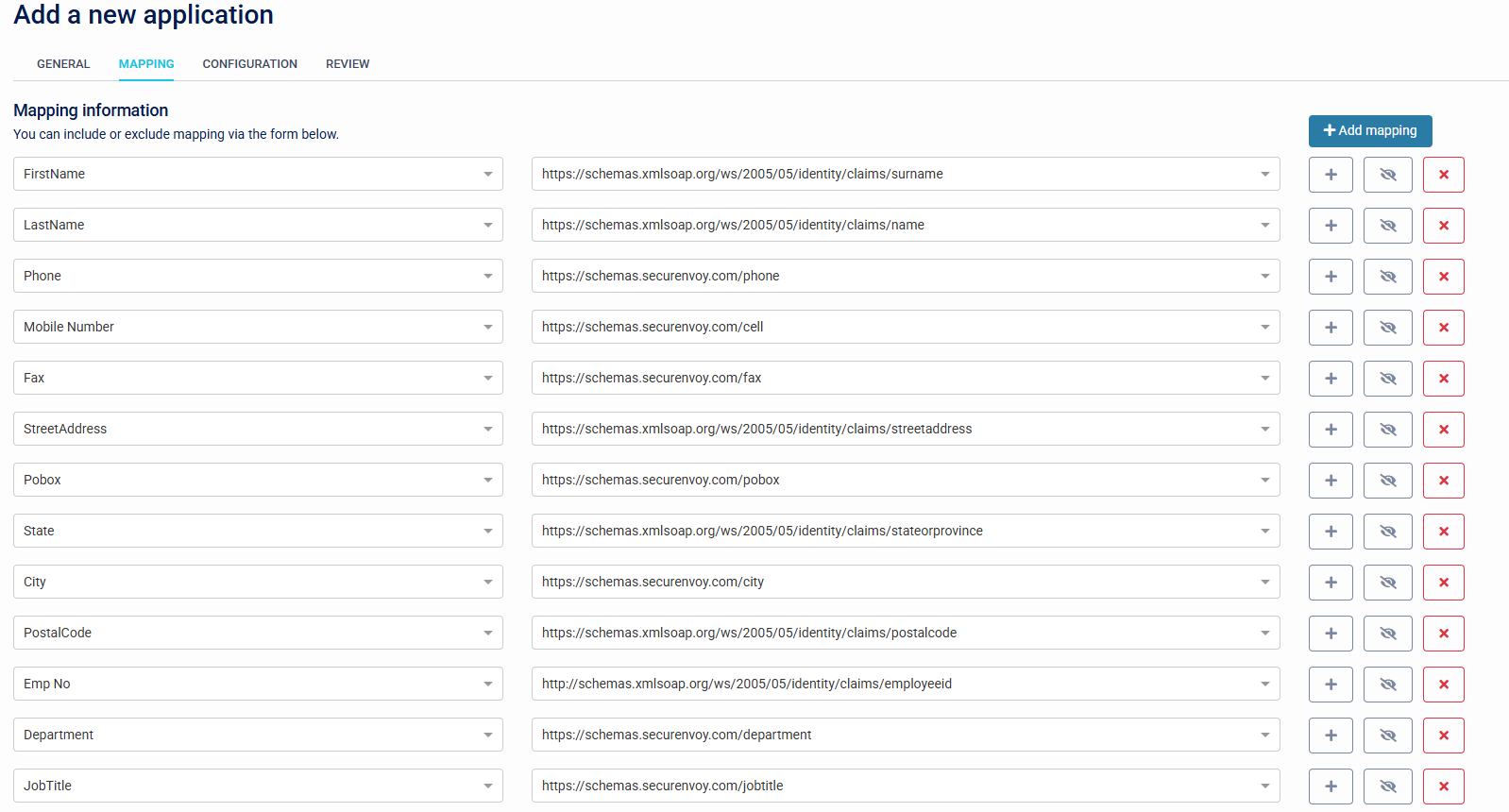
Under mapping, add any additional details that maybe required for the SAML assertion (check with application provider for requirements).
The last step is to provide Entity ID and sign in and sign out URLs, the private key, and certificate.
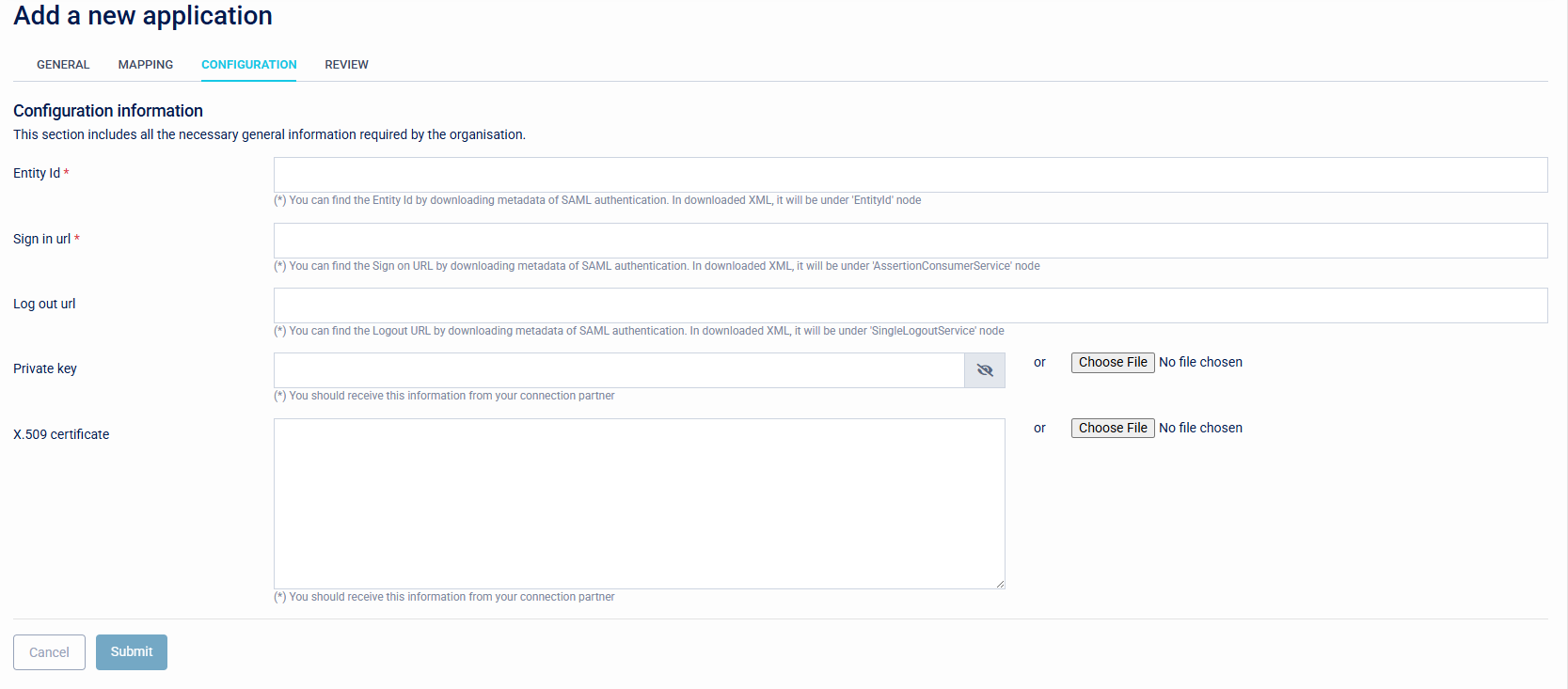
Click Submit, then finally check that all of the settings are correct.