Other Credential Reset
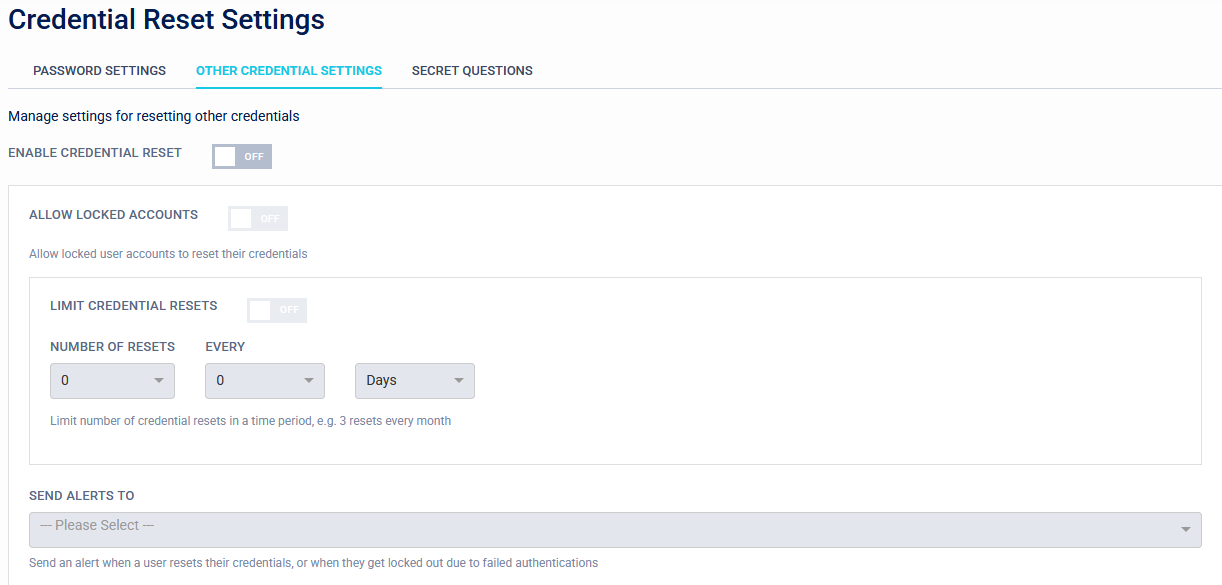
Enable Credential Reset
When enabled this allows users to reset their second factor if they have lost access to it.
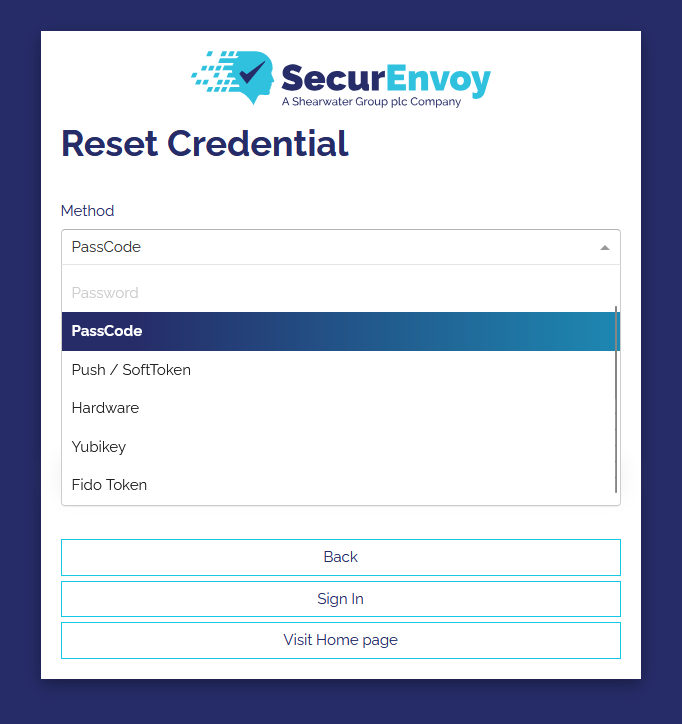
The user will be asked their username and then allowed to choose the authentication method that will allow them to reset their MFA credential.
- Enable Credential Reset: Turning this on will enable the password reset feature.
- Allow Locked Users: This allows locked users to reset their credentials
- Limit Credential Resets: This allows restricting the number of credential resets within a time perion, or setting a minimum time perion between credential resets.
- Send Alerts To: This allows an alert email to be sent to a group when a user resets their credentials or is locked out due to too many failed authentications.
Allowed Authentication Methods
There are three configurable methods which a user can use to reset their credentials:
- One-Time Code (via Email or SMS).
- Secret Questions (configured by the user, see this page for details.
- Reset Link (via Email or SMS).
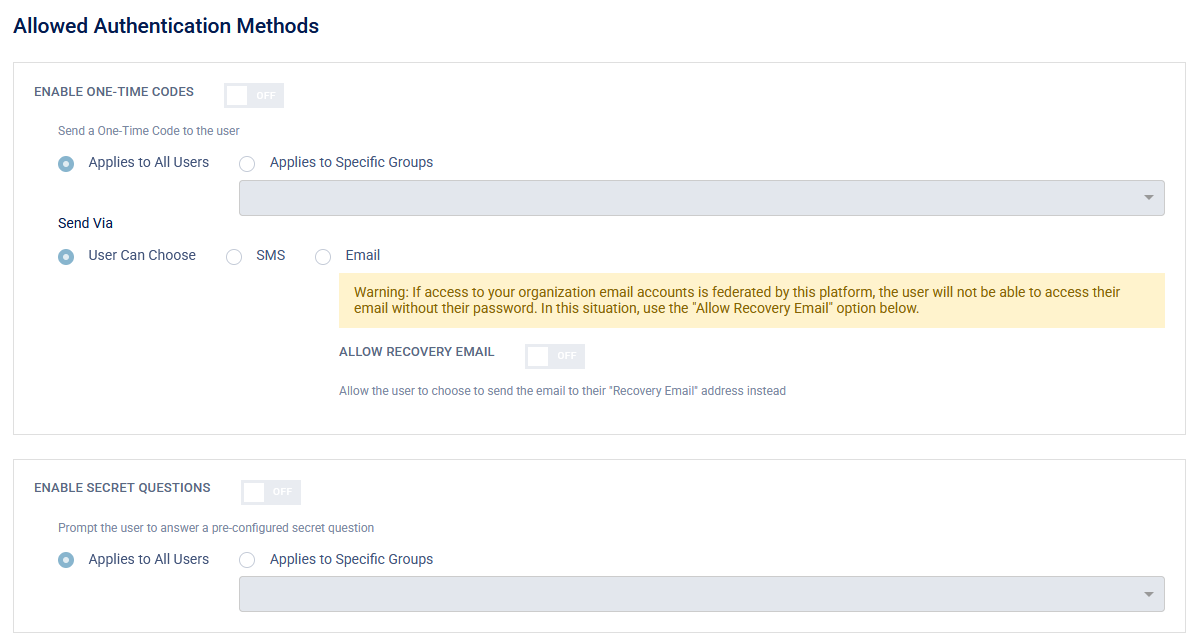
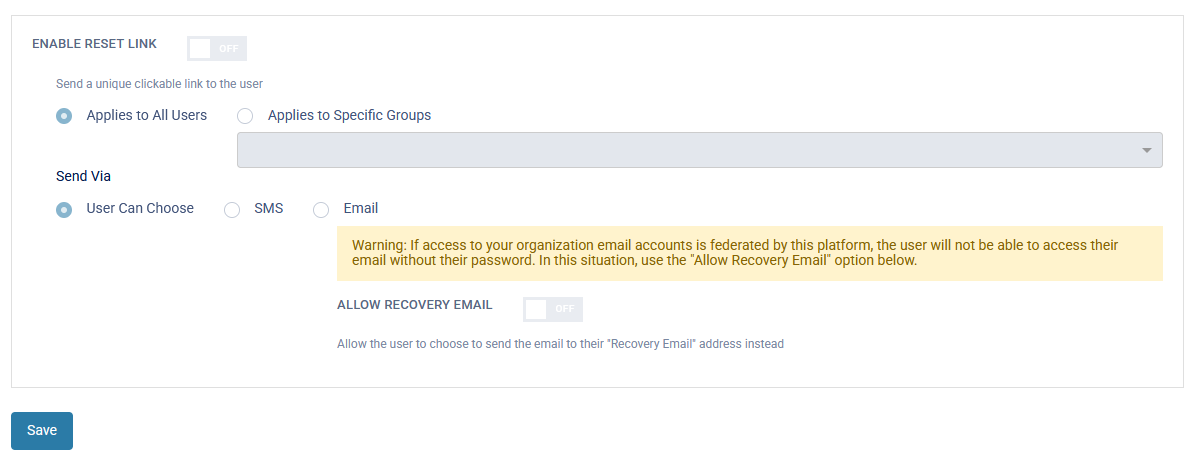
Each of these can be disabled, enabled for all users, or enabled only for specific groups. Emails for One-Time Codes and Reset Links can optionally be sent to a user's 'Recovery Email' address. This email address is configured by the user when logging into the webUI and isn't managed by the administrator. Unlike the password reset, it is assumed that the user has lost access to their MFA and so they will be authenticated by Username, Password, and one of the three methods above.
User Flow
- When a user has lost their MFA method they can select 'Reset Credential' from the login screen.
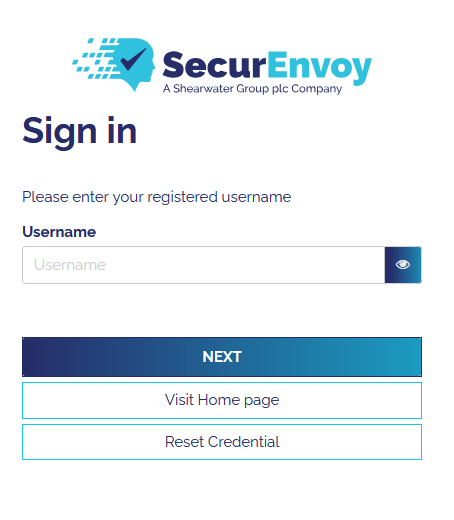
- The user will then select whether to reset the password or other credential type.
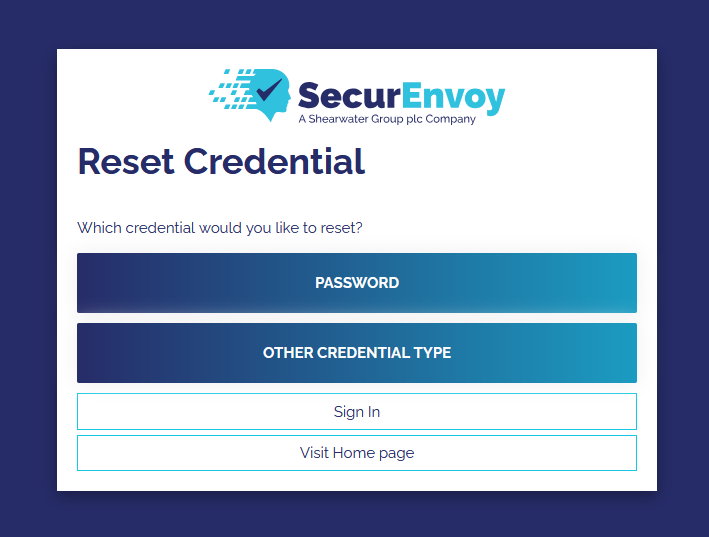
- The user will then be prompted to enter their username.
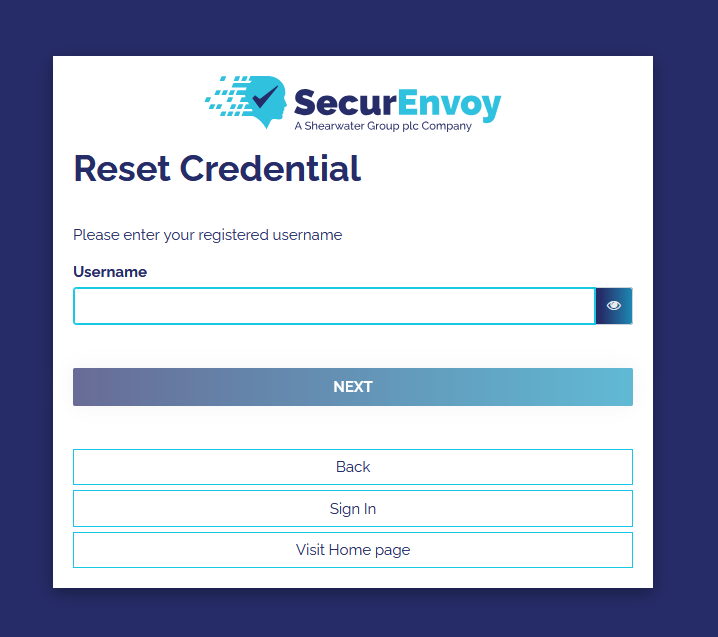
- The user will then be prompted to enter ther password.
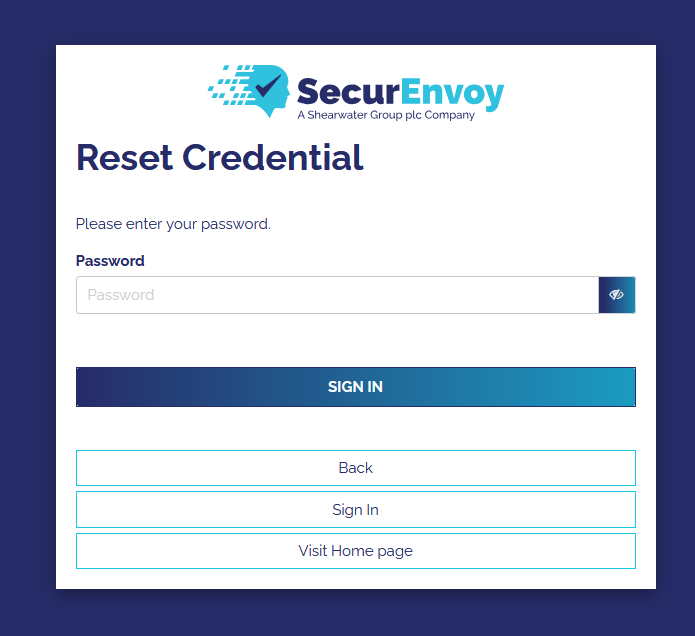
- The user can then select which authentication method they would like to use to reset their credential.
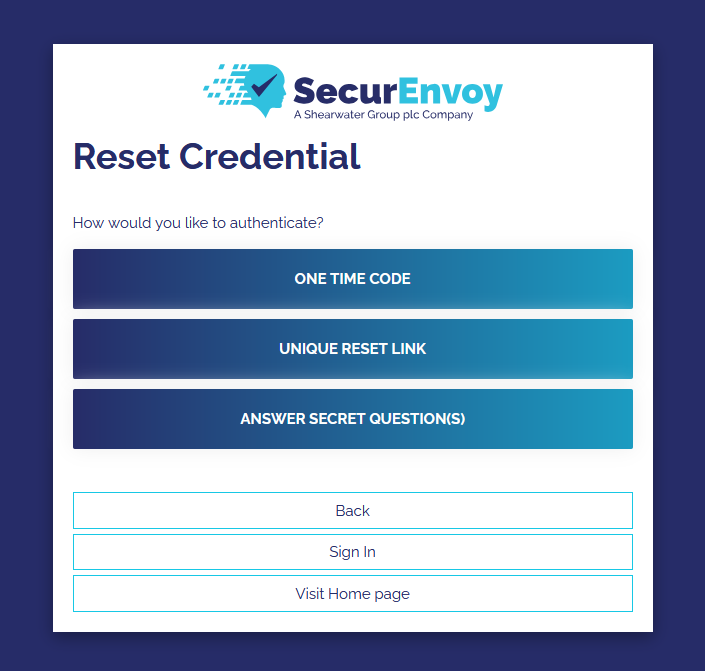
From here the flow differs slightly depending on the method chosen. One-Time Code will send a code via Email or SMS to the user. Secret Questions will present the configured questions and ask for the answers. Reset link will send a link to the user via Email or SMS which once clicked on will authenticate the user.
- Once the user is authenticated they will be peritted to enrol with a new MFA method.