Secret Questions
Configure Secret Questions
The Secret Questions page provides details on how secret questions can be used upon the system.
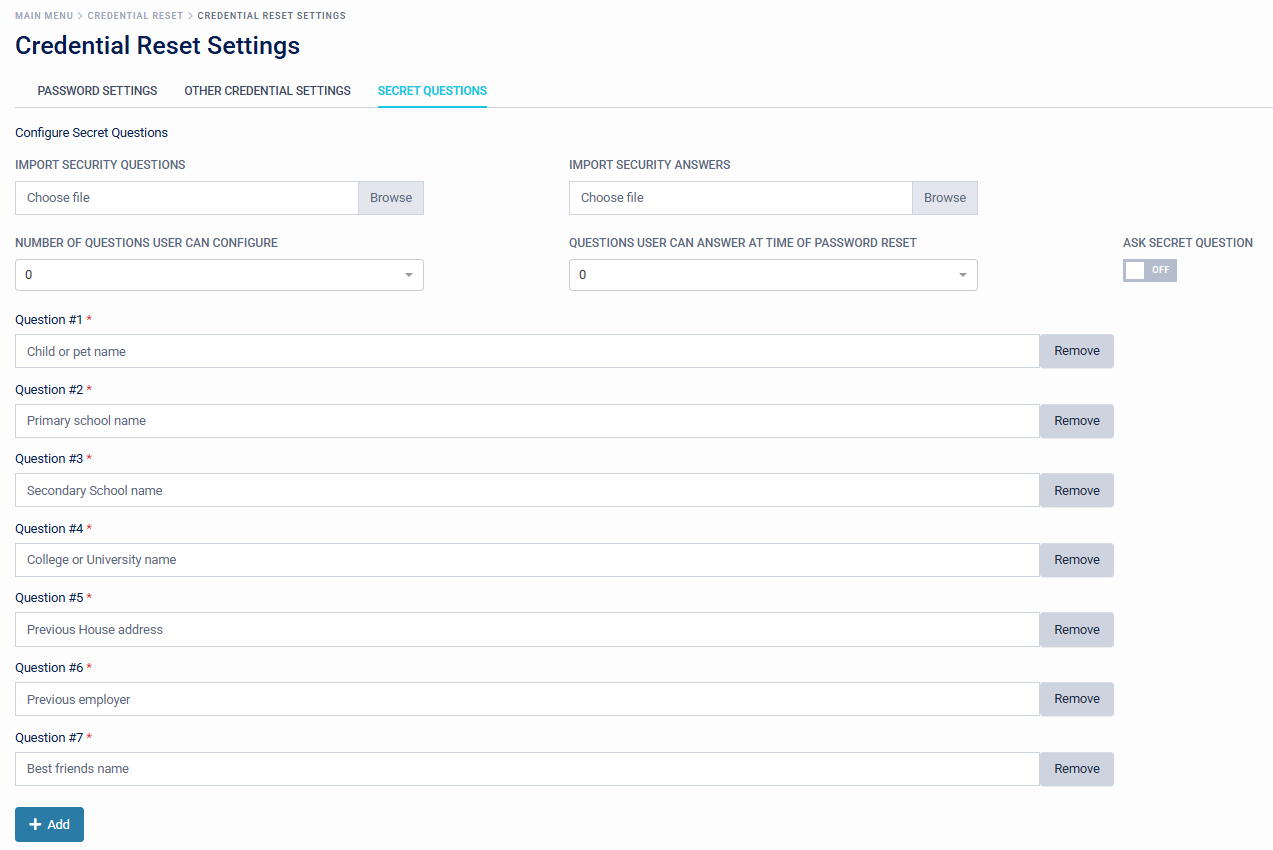
It is laid out into 3 distinct parts, namely:
- Import Security Questions and Answers
- Number of questions a user can enrol / Number of questions they must answer
- The actual questions, pre-configured and prompted
Import Security Questions and Answers
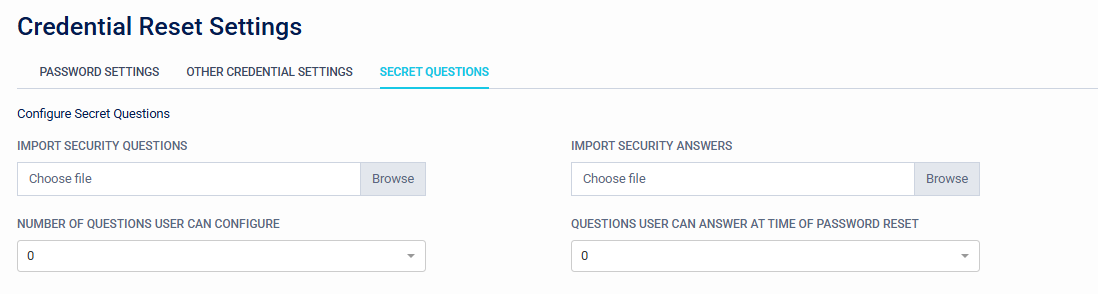
Pre-defined question and answer lists can be added to the system.
Number of Security Questions and Answers
From each dropdown, a number can be set to configure how many questions a user can assign to use the credential reset solution. The default is 0-7, if additional questions are configured this value will increase. The number of questions that must be responded to correctly to progress with the credential reset solution can be set. The default is 0-7, if additional questions are configured this value will increase.
Ask Secret Question
Enable this to allow Secret Questions as a method. This will also prompt users to configure their secret questions when they next log in.

Questions
8 Pre-defined questions are supplied as default.
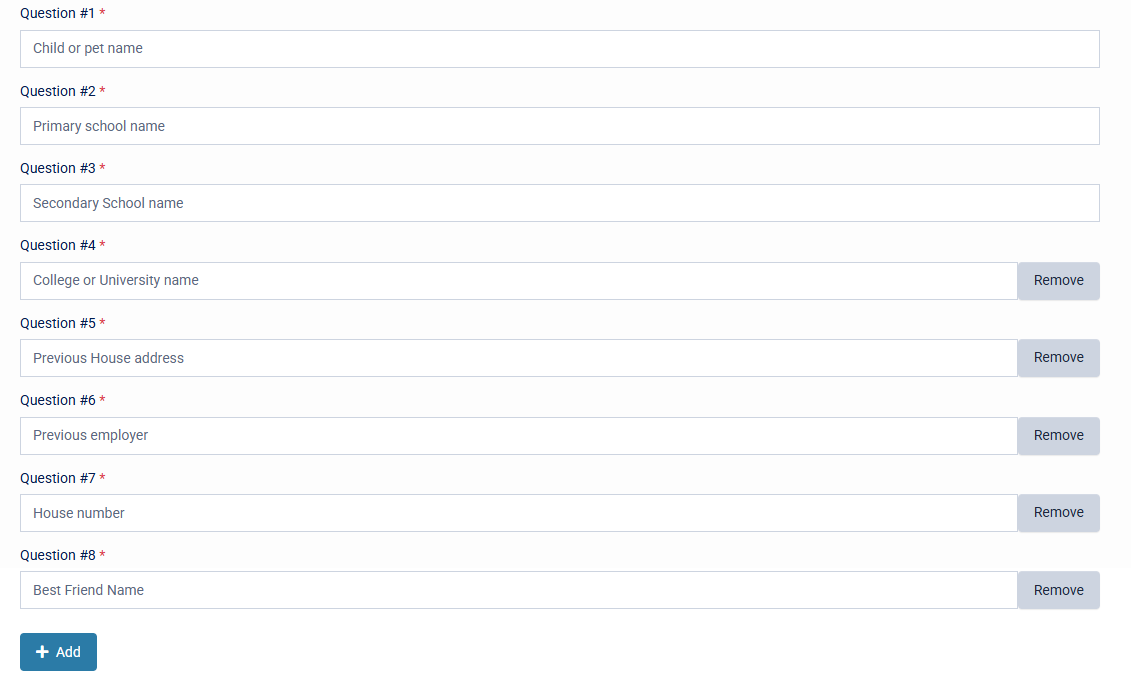
These can be edited to reflect a customers tenant. Alternatively these can be reduced, by selecting the "Remove" button, or add additional questions via the "Add" button. Save changes when configuration is complete.