Microsoft Entra ID
Overview
SecurEnvoy Access Management has the capability to integrate into Microsoft Entra ID via API. Bi-directional synchronisation of users and attributes is available.
Password Verification is available for organisations who are using non-federated domains for synchronisation (also known as "Managed" domains). Organisations who are looking to protect Office 365 with SecurEnvoy Access Management, are recommended to use the Microsoft Active Directory synchronisation, as password verifications are possible with this route in both a "Managed" and a "Federated" domain.
If a hybrid directory architecture is not adopted within the organisation, and they are looking to integrate Office 365 with SecurEnvoy Access Management, there is a requirement for users to sign into the Access Management platform for this first time with a temporary password, and reset the password on first login.
Integration
- To add a Microsoft Entra ID connection, this requires Authorisation from a Global Administrator of the tenant. This can be done by clicking the "Authorise" button.

- Sign into the organisations Microsoft Entra ID Global Administration account via the sign in prompt to continue with the SecurEnvoy Universal Directory integration.
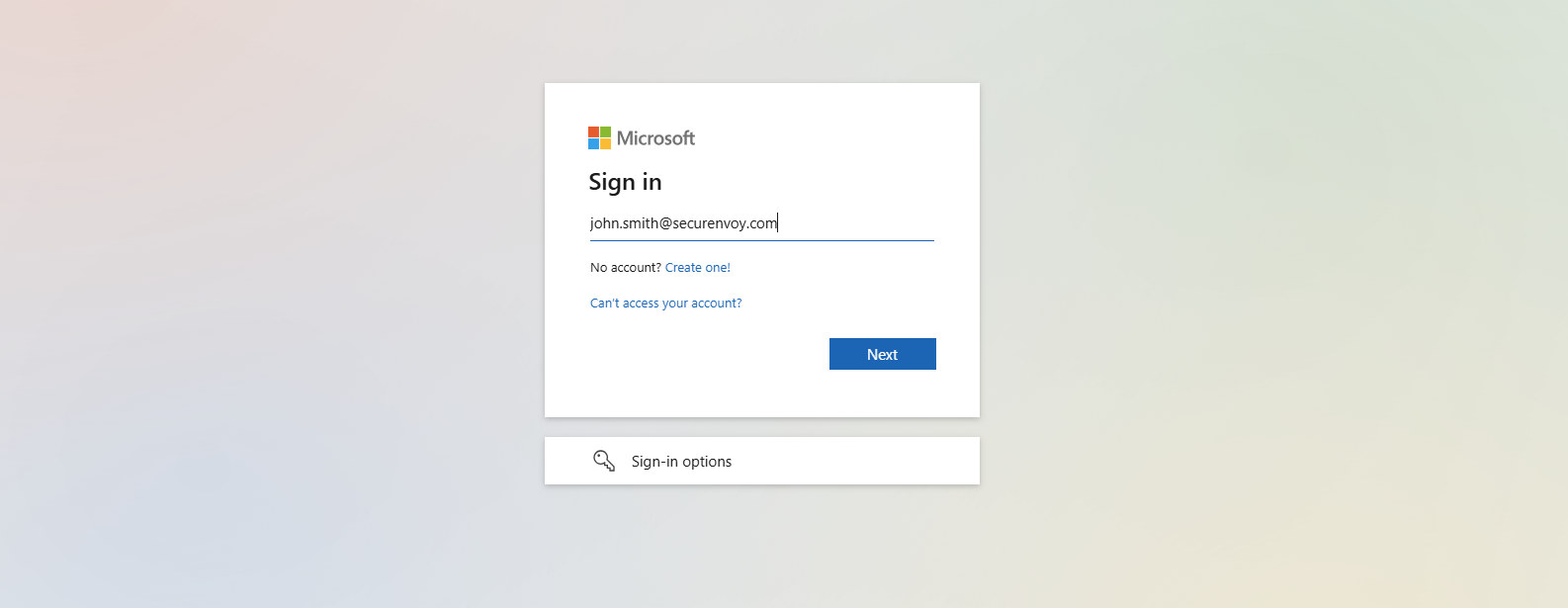
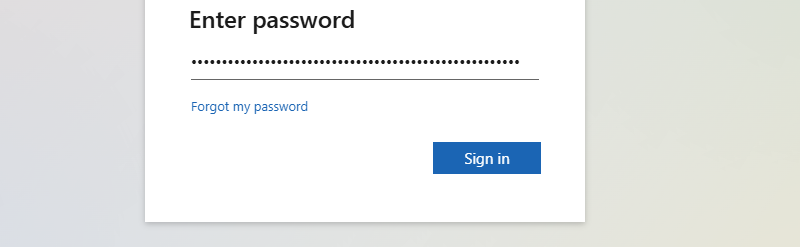
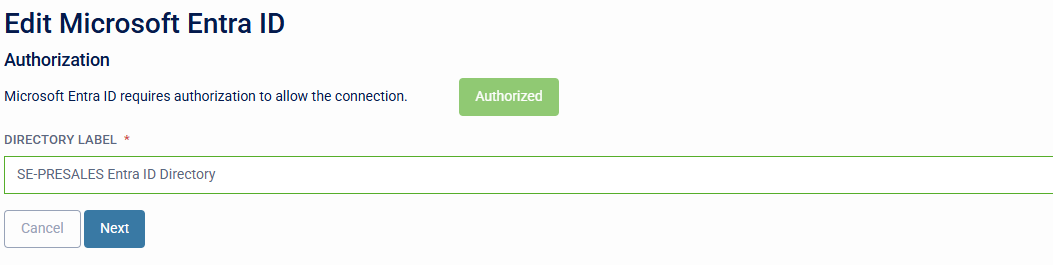
- The Administrator will be redirected back to SecurEnvoy Access Management where the directory integration status will now be displayed as 'Authorised'. Organisations can set up a Directory Label Name for the Entra ID Integration.
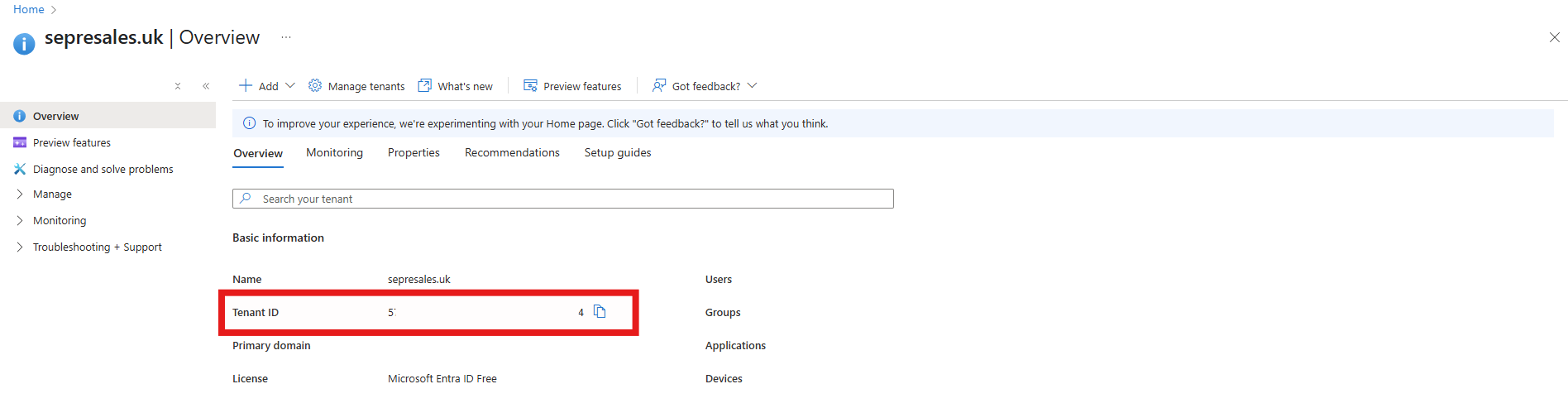
- The Tenant Identifier (Tenant ID) is required for the SecurEnvoy Access Management Integration into Entra ID. This information is available in the Entra Portal Overview.
- Configure the Directory Integration to suit the Organisations requirements:
- Import Users: User Import, Update and Deletion events in Microsoft Entra ID will be reflected in the Access Management Tenant.
- Export Users: User Export, Update and Deletion events from Access Management will be reflected in Microsoft Entra ID.
- Import Groups: Group Import, Update and Deletion events in Microsoft Entra ID will be reflected in the Access Management Tenant.
- Export Groups: Group Export, Update and Deletion events from Access Management will be reflected in Microsoft Entra ID.
- Resync: Force a full resynchronisation of Users and Groups from Entra ID to SecurEnvoy Access Management.
- Domains: Specify the Domain Name(s) the organisation would like to import into the Access Management Platform.
- Directory Sync: Enable and Disable Toggle to start and stop the synchronisation process.
The Synchronisation Poll Time of the API for Microsoft Entra ID is approximately 3 minutes.
-
Import From Microsoft Entra ID Groups: Specify Import Group(s) for user and group synchronisation from Microsoft Entra ID to Access Management Tenant.
-
Export To Microsoft Entra ID Group: Specify Target Group to Export users from SecurEnvoy Access Management to Microsoft Entra ID.
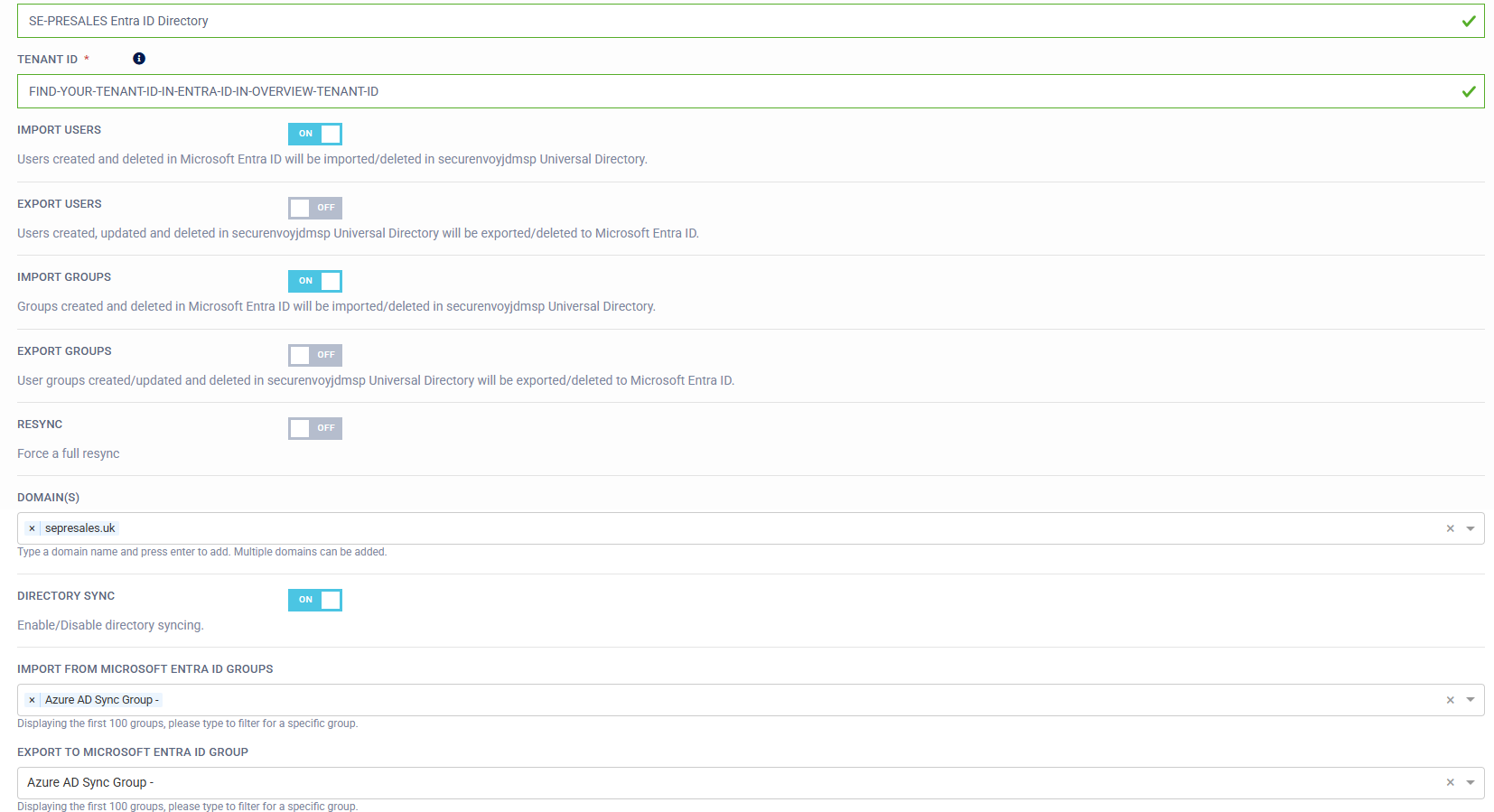
- Save the configuration. Once the configuration is saved the API call will be polled every 3 minutes. The last synchronisation time can be viewed below the Directory Integration.
