System Status
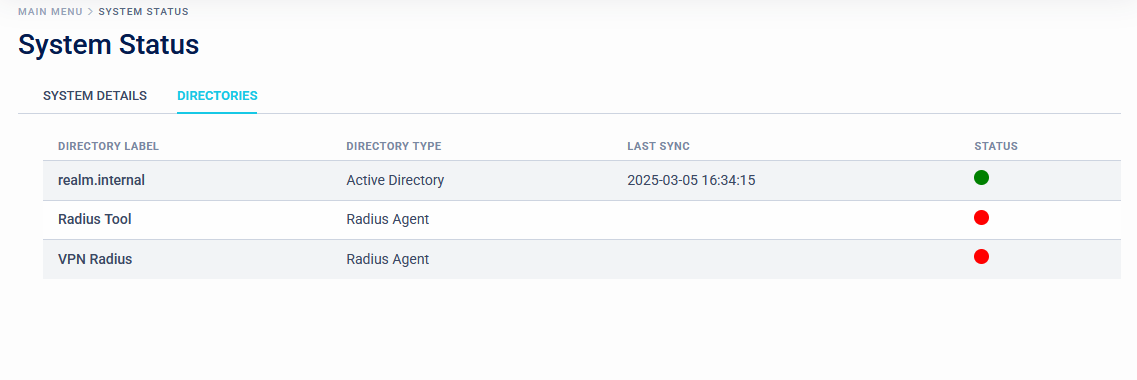
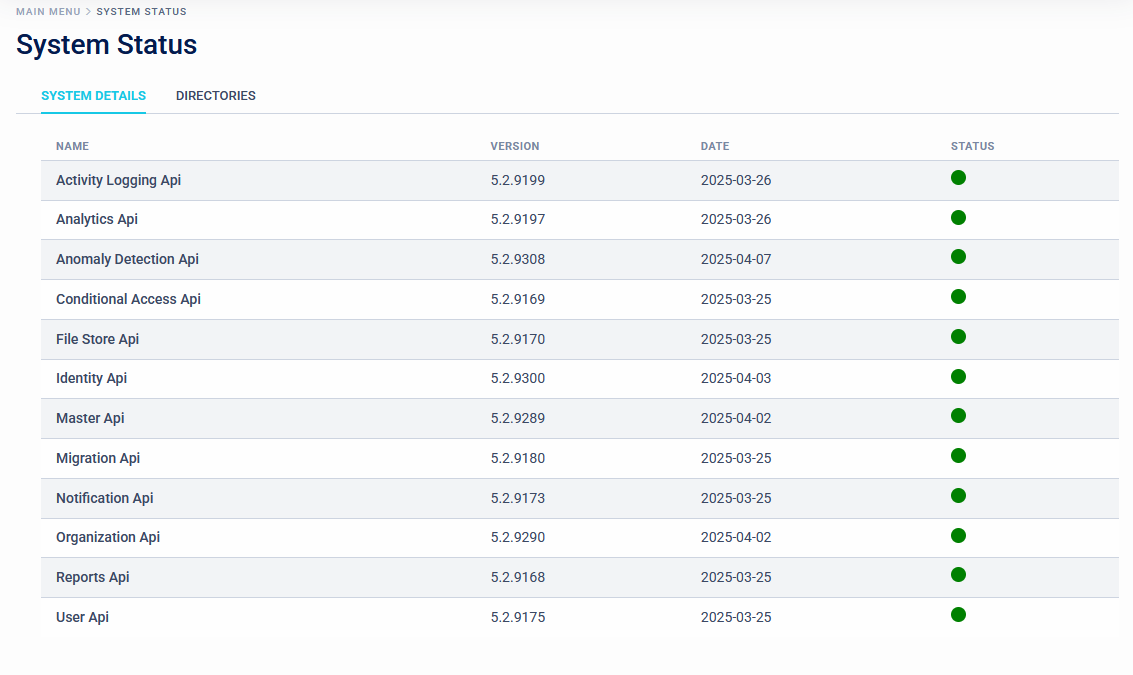
The System Status page shows the status of the background components of SecurEnvoy Access Management and the directories connected via the single agents. These pages are mostly for diagnostic purposes: green dots next to each service indicates that it is running, a red dot shows inactive services.
System Details
Directories