Location
Location Restrictions
The Location Restrictions page shows configuration parameters that allow physical geolocation to be used within the authentication sequence. Location restrictions allow administrators to define either a declared "Safe Zone" (An allowed area from which a user can access resources) or a "Configure request / Response proximity" limit (A deviation between the device connecting and the user mobile device).
To use this feature, users must be enrolled with soft token and have "Pin Protect" enabled. The mobile app will need to have location permissions enabled.
The default page will show configured safe zones.
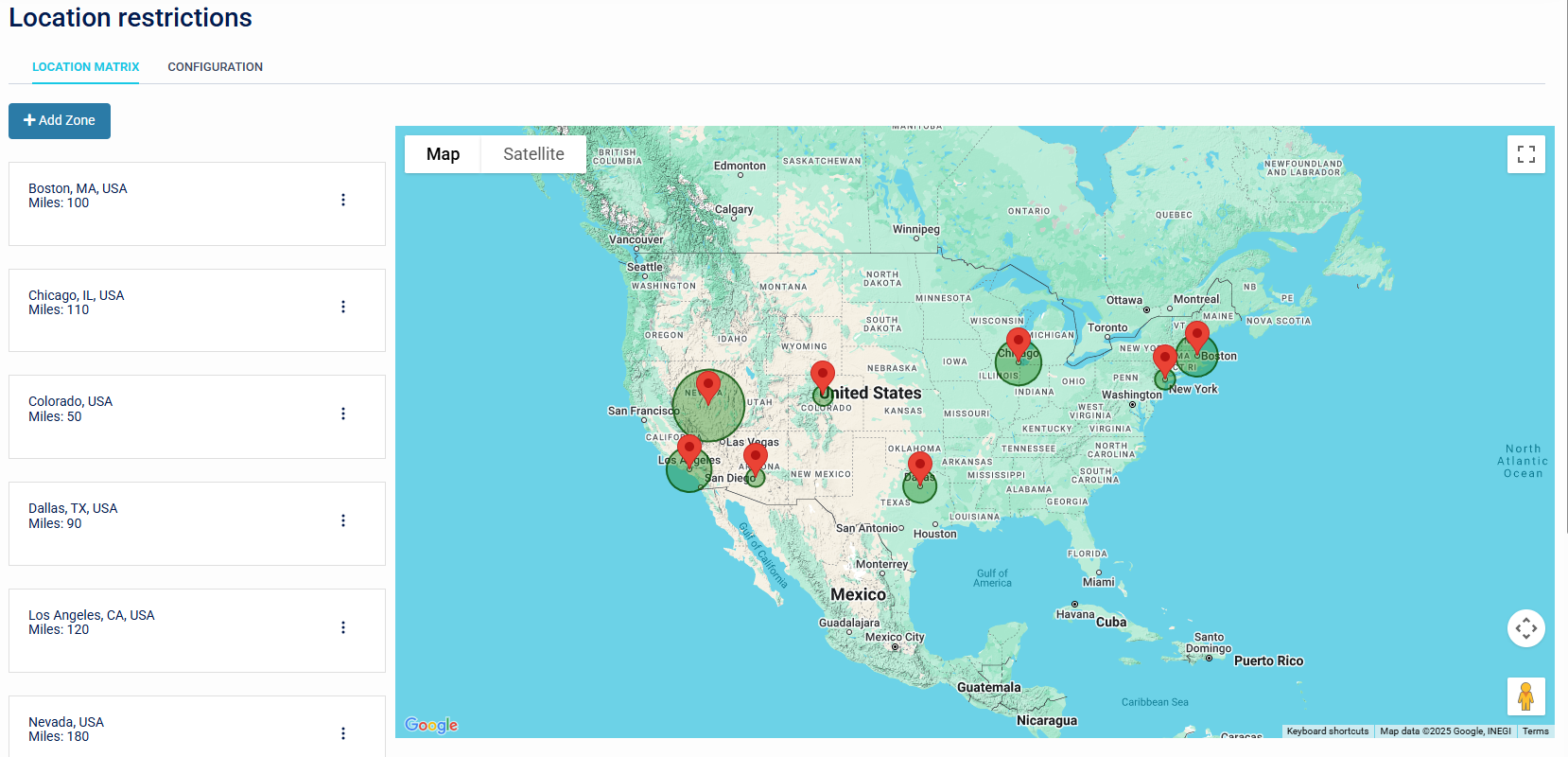
There are two parts to this sub-menu:
- Location Matrix
- Configuration
Location Matrix
This feature allows 'Safe Zones' to be defined using either a location code (e.g., ZIP or postal code) or a contextual lookup of a place name. After adding a location, you can set a radius—measured in miles—with a minimum value of 1. Once configured, the Safe Zone will appear on the main Location page.
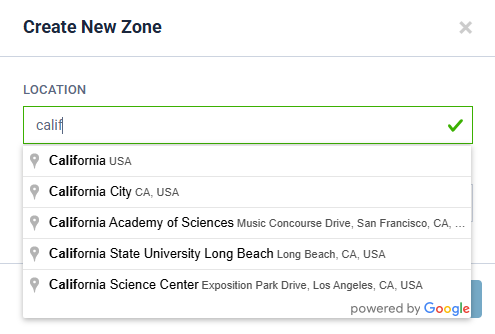
The image above shows how a place name is used in a contextual lookup.
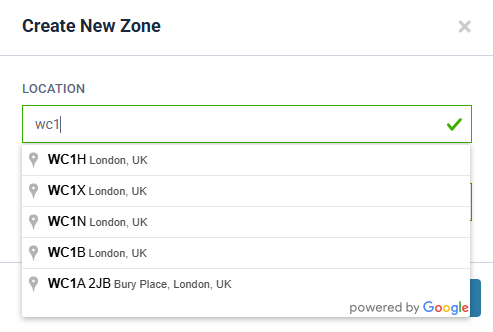
This displays a lookup of a place using a ZIP or postal code.

This shows the parameter used to set the location radius (in miles).
Safe Zones will be inactive until they are enabled in the Configuration Tab.
Configuration
This allows "Safe Zones" and "Configured request / Response proximity" to be enabled.
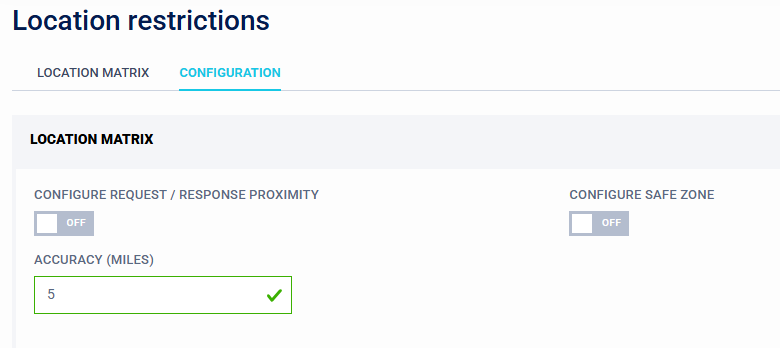
For Safe Zones simple enable via the toggle.
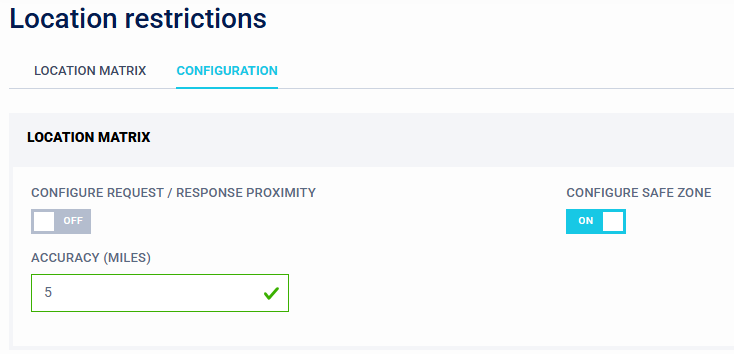
For Request / Response this is setup by enabling the toggle then a Configured request / Response proximity limit can be set. This is where a deviation limit is set between the connecting device and the users mobile. An Accuracy parameter can be set. This is measured in miles - minimum value is 1.
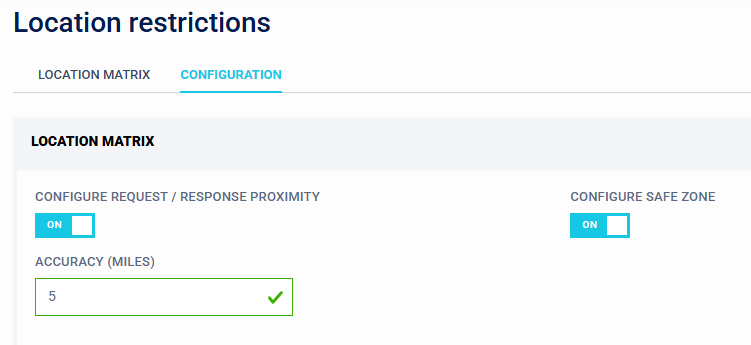
It is recommended to set this value larger than expected, after successful testing, this can then be reduced.
Both "Safe Zones" and the configured request/response proximity settings can be used together. Note that the logic requires the user to be located within a defined Safe Zone and within the allowed request/response proximity deviation.
These settings can be enhanced further by utilising Conditional Access, where a complex policy using "Safe Zones" can be setup. See Conditional Access section for additional help.
The parameter "Safe Location" in Conditional Access is used for policies. Its value is either "Is True" or "Is False"
If Location Restrictions is enabled and also applied to the WebGUI via a Conditional Access policy for Applications. You may be locked out if any misconfiguration is allowed. It is recommended to keep an additional Admin session active, so that recovery can be completed.
