Agents
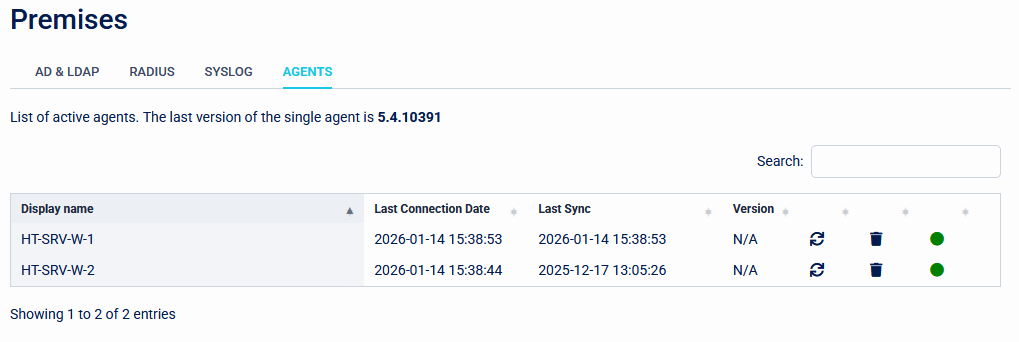
The Agents page shows all known Single Agents that have been installed. A green dot shows active agents, while a red dot means that an agent can't be reached.
Agents can be removed by clicking the bin icon on the right of the list.
The Single Agent is responsible for connecting to Active Directory and LDAP directories for synchronising users. It also connects to RADIUS endpoints.
Selecting an agent in the list will reveal logging from the agent. This logging is split between General logs, AD and LDAP logs, and Radius logs.
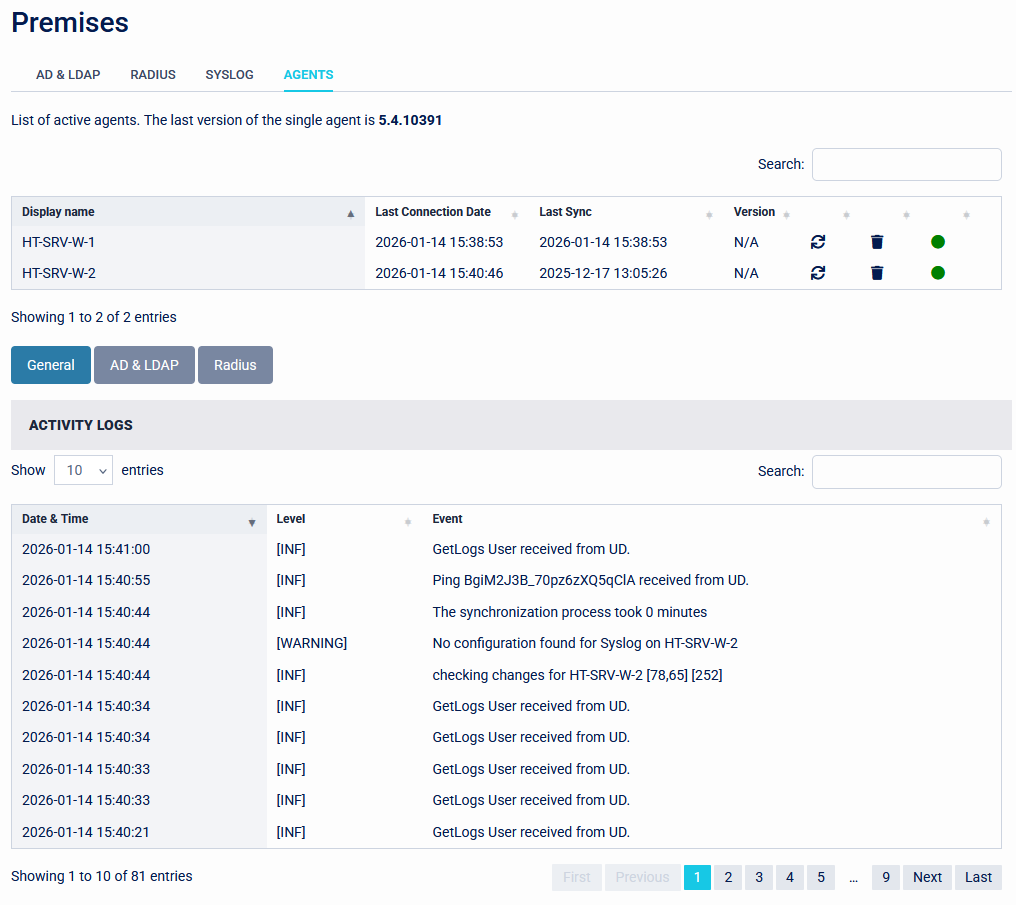
Each event in the log shows the category that it belongs to, The level of detail in the logs can be set in the appsettings.json file found in the Single Agent installation directory. By default this is set to 'Information', but can be changed to 'Warning', 'Error', or 'Debug'.